ChatGPT for Recipes vs an AI Chef App: Which Should You Use?
Using ChatGPT for recipes works, but a dedicated AI chef app saves, organizes and imports recipes too. Here's when each one makes sense.
By Ayoub Farid · · 3 min read
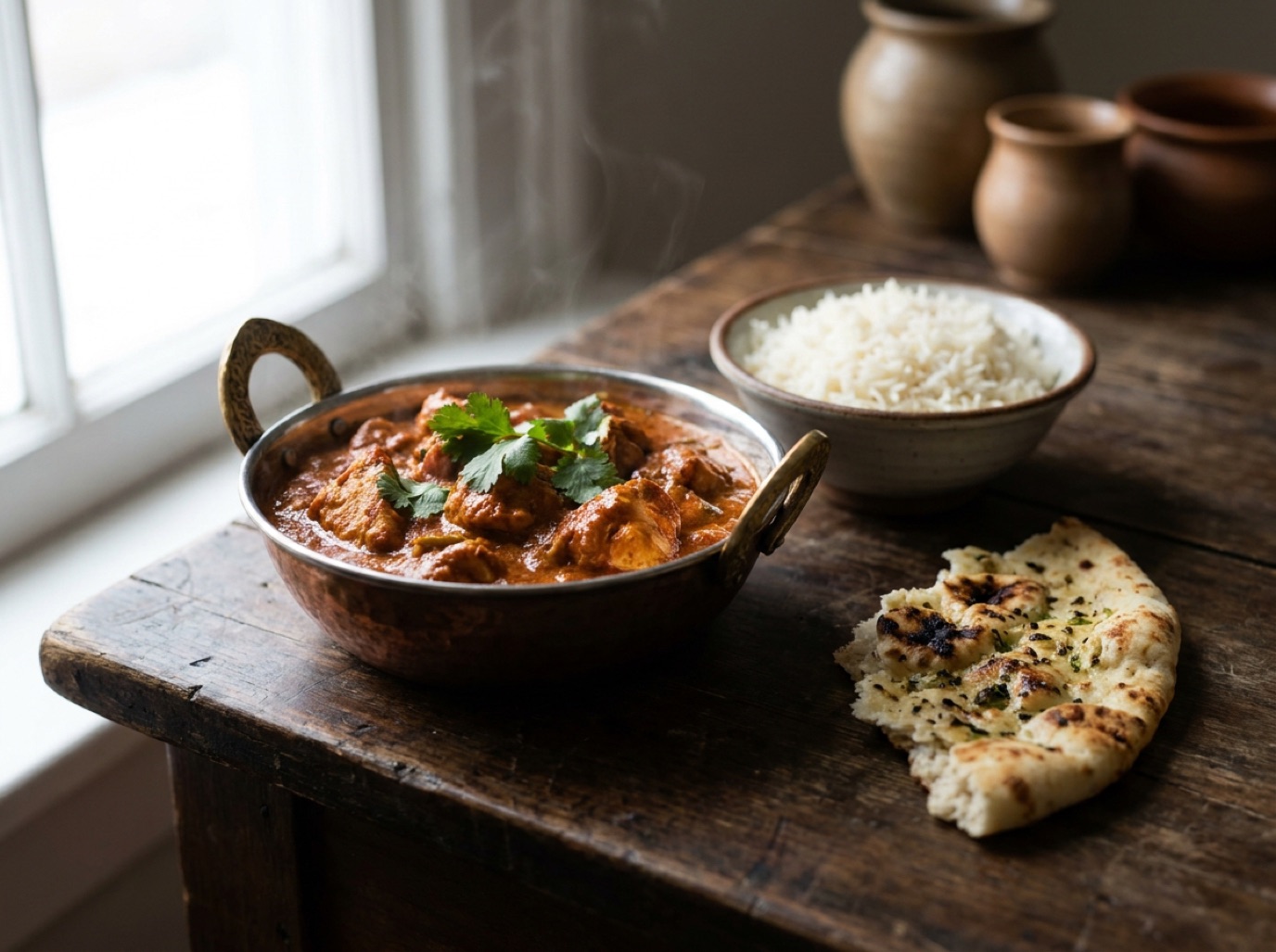
General chatbots like ChatGPT, Gemini and Claude are surprisingly good cooks on paper. Ask for a weeknight curry and you'll get a sensible recipe in seconds. So why would anyone use a dedicated AI recipe app?
The short answer: chatting is only one part of cooking. Saving, finding, scaling and importing the recipes you already love is the other part, and that's where a cooking app does better.
What general chatbots do well
- Brainstorming. "Ten dinner ideas with chickpeas" is a perfect chatbot task.
- Explanations. Techniques, food science and "why did this happen?" questions.
- Adaptation. Making a dish vegan, halving it, or turning it into a slow-cooker version.
- Conversation. Back-and-forth refinement until the idea fits.
Where chatbots fall short for cooking
- Your recipes live elsewhere. The lasagna you saved from Instagram or your grandmother's banana bread card isn't in the chat.
- Answers get lost. Last Tuesday's great recipe is buried in a long chat history.
- No cooking view. No ingredient checklist, no servings stepper, no one-step-at-a-time screen with big text.
- No organization. No collections, no search by ingredient across everything you've saved.
What an AI chef app adds
SmartChef AI is built around your recipe collection, with AI on top:
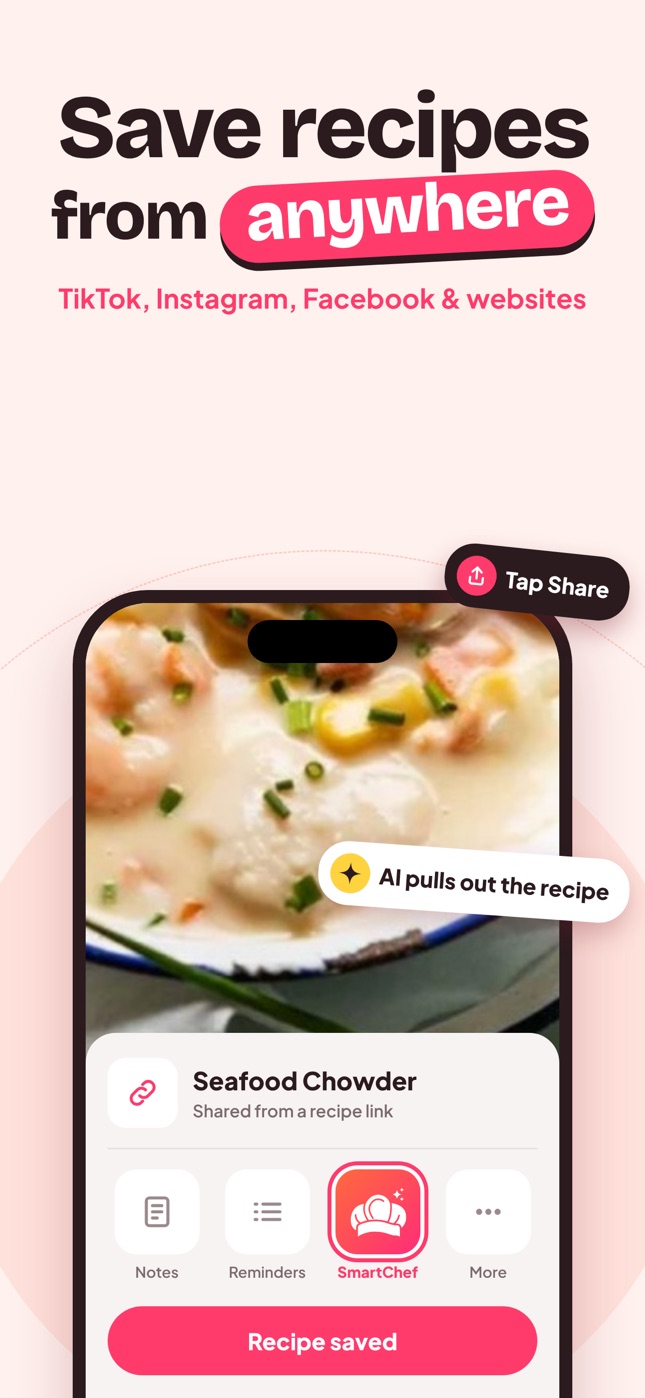
- Import: share a TikTok, Reel, Facebook post or website link to the app, or scan a cookbook page or handwritten card.
- Organize: collections like "Weeknight dinners" and "Baking", plus search by name or ingredient.
- Cook: ingredients you can tick off, adjustable servings, estimated nutrition and step-by-step mode.
- Ask: Cook AI chat for swaps, timings and ideas, right next to your recipes.
Side-by-side
| Task | General chatbot | AI chef app |
|---|---|---|
| Recipe ideas from ingredients | Great | Great |
| Save a TikTok or Instagram recipe | Manual copy-paste | One tap from the share menu |
| Scan a handwritten card | Possible with image upload, not saved | Scanned and saved as a recipe |
| Find a recipe later | Search chat history | Collections and search |
| Cook from it | Read a chat reply | Checklist, servings, steps |
Which should you use?
- You mostly want ideas and explanations: a general chatbot is fine.
- You save recipes from social media and websites: use a recipe app, as screenshots and chat threads don't scale.
- You want both: an app with a built-in AI chef avoids switching apps while cooking.
Good prompts for either
- "What can I make with [ingredients] in 30 minutes, one pan?"
- "Make this recipe dairy-free and list every swap."
- "Scale this to 6 servings and tell me if the pan size or time changes."
- "My sauce split. What happened and how do I fix it?"
Find more in AI cooking prompts.
Frequently asked questions
Is ChatGPT good for recipes?
Yes for ideas, adaptations and explanations. It doesn't import or organize the recipes you've saved elsewhere, and answers can be hard to find later.
Can I save ChatGPT recipes in a recipe app?
You can copy the text into most recipe apps. In SmartChef AI, recipes from Cook AI live in the same app as your imported recipes.
Are AI-generated recipes tested?
No. They're based on patterns from existing recipes. They're usually reasonable for everyday cooking, but trust tested recipes for baking and preserving.
Save it in one tap
Every recipe you love, in one smart kitchen
SmartChef AI saves recipes from TikTok, Instagram and any website, scans cookbooks and handwritten cards, and answers your cooking questions with an AI chef. Free to download on iPhone and iPad.
Download on theApp Store