How to Organize Recipes: A Simple System That Actually Lasts
A simple, lasting way to organize recipes from TikTok, websites, cookbooks and family cards: one inbox, a few collections and regular pruning.
By Ayoub Farid · · 2 min read
Most recipe systems fail for the same reason: they're too complicated to maintain. Twenty categories, color-coded tags and a spreadsheet feel great on day one and are abandoned by week three. The system below takes ten minutes to set up and survives busy weeks.
The rule: one inbox, few collections
1. One place for everything
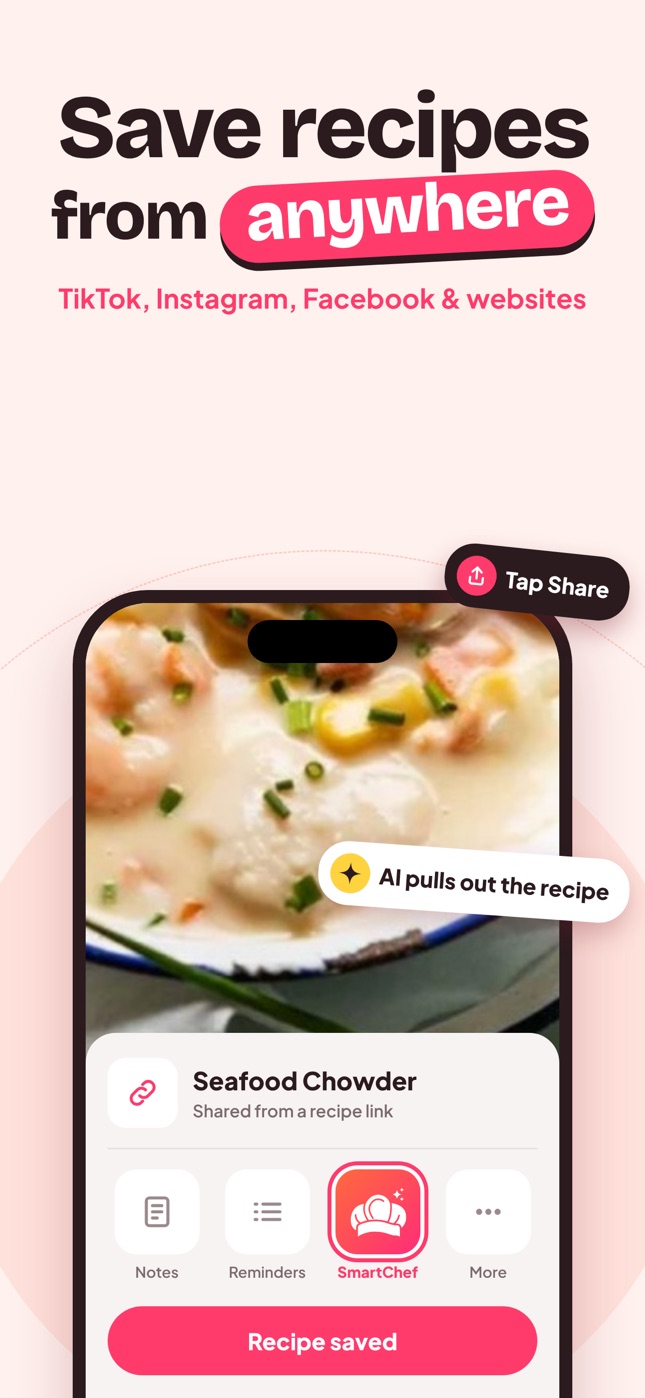
Recipes come from TikTok, Instagram, food blogs, cookbooks, family cards and chat suggestions. Funnel them into one app. SmartChef AI imports from social media and websites and scans paper recipes, so everything ends up in the same format.
2. An inbox called "To try"
Every new recipe goes here first. No decisions needed when you save.
3. Five to eight collections for recipes you've cooked
Promote a recipe out of "To try" only after you've made it and would make it again. Suggested set:
- Weeknight (under 30–40 minutes)
- Weekend & projects
- Soups & stews
- Baking
- Healthy
- Hosting & holidays
- Family recipes
Need more ideas? See recipe category ideas.
4. Search instead of over-categorizing
You don't need a "chicken" collection if you can search "chicken". Ingredient search is your safety net.
A monthly 10-minute tidy
- Open "To try". Delete anything you're no longer excited about.
- Move cooked keepers into collections.
- Edit recipes with the changes you made ("half the sugar", "add lemon").
- Delete duplicates.
Name recipes so you can find them
Rename vague titles ("BEST EVER pasta!!!") to something you'll search: "Creamy tomato pasta (15 min)". Add the source when it matters: "Grandma's banana bread".
Handle the backlog
If you have hundreds of screenshots and saved posts:
- Don't import everything. Scroll and import only what you'd cook this month.
- Do it in 15-minute sessions.
- Then delete the screenshots. See stop screenshotting recipes.
Paper recipes
Scan family cards and favorite cookbook pages into the same app so you search everything at once. Our guides: how to digitize family recipes and how to scan a cookbook.
Physical binder or app?
Both can work. A binder is lovely in the kitchen; an app is searchable and always with you at the store. Compare them in recipe binder vs recipe app.
Frequently asked questions
What's the best way to organize a large recipe collection?
One app, a "To try" inbox, a handful of collections for proven recipes, and search for everything else.
Should I organize recipes by cuisine or meal type?
Meal type or occasion (weeknight, baking, hosting) usually works better, because that's how you decide what to cook.
How do I stop saving recipes I never make?
Save to "To try" and prune it monthly. If you haven't cooked it in three months, delete it without guilt.
Save it in one tap
Every recipe you love, in one smart kitchen
SmartChef AI saves recipes from TikTok, Instagram and any website, scans cookbooks and handwritten cards, and answers your cooking questions with an AI chef. Free to download on iPhone and iPad.
Download on theApp Store