How to Save Recipes From TikTok (So You Can Actually Cook Them)
Step-by-step: save TikTok recipes as written ingredients and steps, organize them in collections, and stop losing videos in your favorites.
By Ayoub Farid · · 2 min read
TikTok is one of the best places to discover recipes and one of the worst places to cook from. Videos are fast, quantities flash by, and your "Favorites" tab turns into a graveyard of 400 videos you'll never find again.
Here's how to turn TikTok recipes into written recipes you can search, scale and cook from.
Option 1: Share to a recipe app (fastest)
- Open the TikTok video.
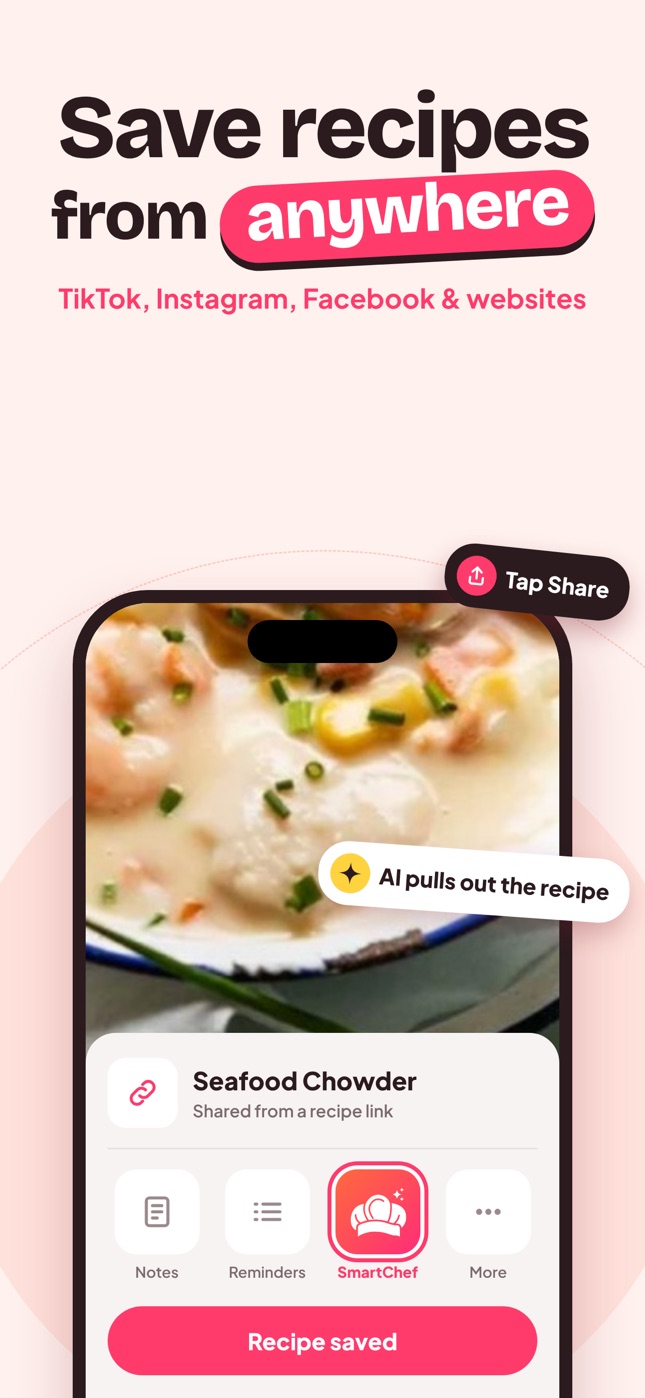
- Tap the Share arrow.
- Choose SmartChef AI from the app row. If it isn't there, tap More (or "Other") and select it.
- SmartChef AI reads the post and builds a recipe with ingredients, steps, cooking time and estimated nutrition.
- Check the quantities, then save it to a collection like "TikTok dinners" or "To try".
Alternative: tap Share → Copy link, open SmartChef AI and paste the link into the Import Recipe box.
Option 2: TikTok's own Favorites (not ideal)
Tap the bookmark icon to add a video to Favorites, and organize favorites into collections. It's free, but:
- you still have to rewatch the video to cook,
- there's no ingredient list or scaling,
- if the creator deletes the video, it's gone.
Option 3: Copy the caption manually
Many creators post the full recipe in the caption or a comment. You can copy it into a notes app. It works, but you'll be formatting ingredients yourself, and it doesn't help when the recipe is only spoken.
Why some TikTok recipes import better than others
| Where the recipe is | Import quality |
|---|---|
| Full recipe in the caption | Excellent |
| Spoken clearly with quantities | Very good |
| On-screen text | Good |
| Only shown, no amounts | AI estimates quantities, so check them |
If the recipe continues in "part 2", import both and merge the steps. More detail in how AI recipe import works.
Organize your TikTok recipes
Create a few collections and file each import immediately:
- To try for everything new
- Weeknight for under 30 minutes
- Viral & fun for weekend projects
- Keepers once you've cooked it and loved it
See how to organize recipes for a system that scales.
Before you cook a TikTok recipe
- Check the quantities. Videos often skip salt, oil or liquid amounts.
- Check the oven temperature unit. US creators use Fahrenheit.
- Read the comments. Viewers often point out mistakes ("needs more liquid").
- Save your tweaks. Edit the recipe after cooking.
Looking for ideas? Start with viral TikTok recipes worth making.
Frequently asked questions
How do I save a TikTok recipe without the app?
You can copy the video link and paste it into a recipe app's import box, or copy the caption into a notes app.
Can I save TikTok recipes as text?
Yes. Recipe apps with AI import turn the video into written ingredients and steps.
What if the TikTok recipe has no measurements?
The AI estimates typical quantities for the dish. Review them, and ask Cook AI if something looks off.
Do saved recipes disappear if the TikTok is deleted?
Once imported into SmartChef AI, the written recipe stays in your cookbook.
Save it in one tap
Every recipe you love, in one smart kitchen
SmartChef AI saves recipes from TikTok, Instagram and any website, scans cookbooks and handwritten cards, and answers your cooking questions with an AI chef. Free to download on iPhone and iPad.
Download on theApp Store